🔥 双输入升级!支持 SDI/HDMI 双接口 与 4G 多卡聚合功能! 立即购买 →

🔄 开启真正的双向全能:支持 4Kp60 编解码与 USB-to-NDI 魔法 A1 转换器! 了解更多 →

⚡ 极致广播级控制:体验 Manager Max 聚合服务器与流媒体矩阵的超低延迟。 探索 Max →

🔥 双输入升级!支持 SDI/HDMI 双接口 与 4G 多卡聚合功能! 立即购买 →

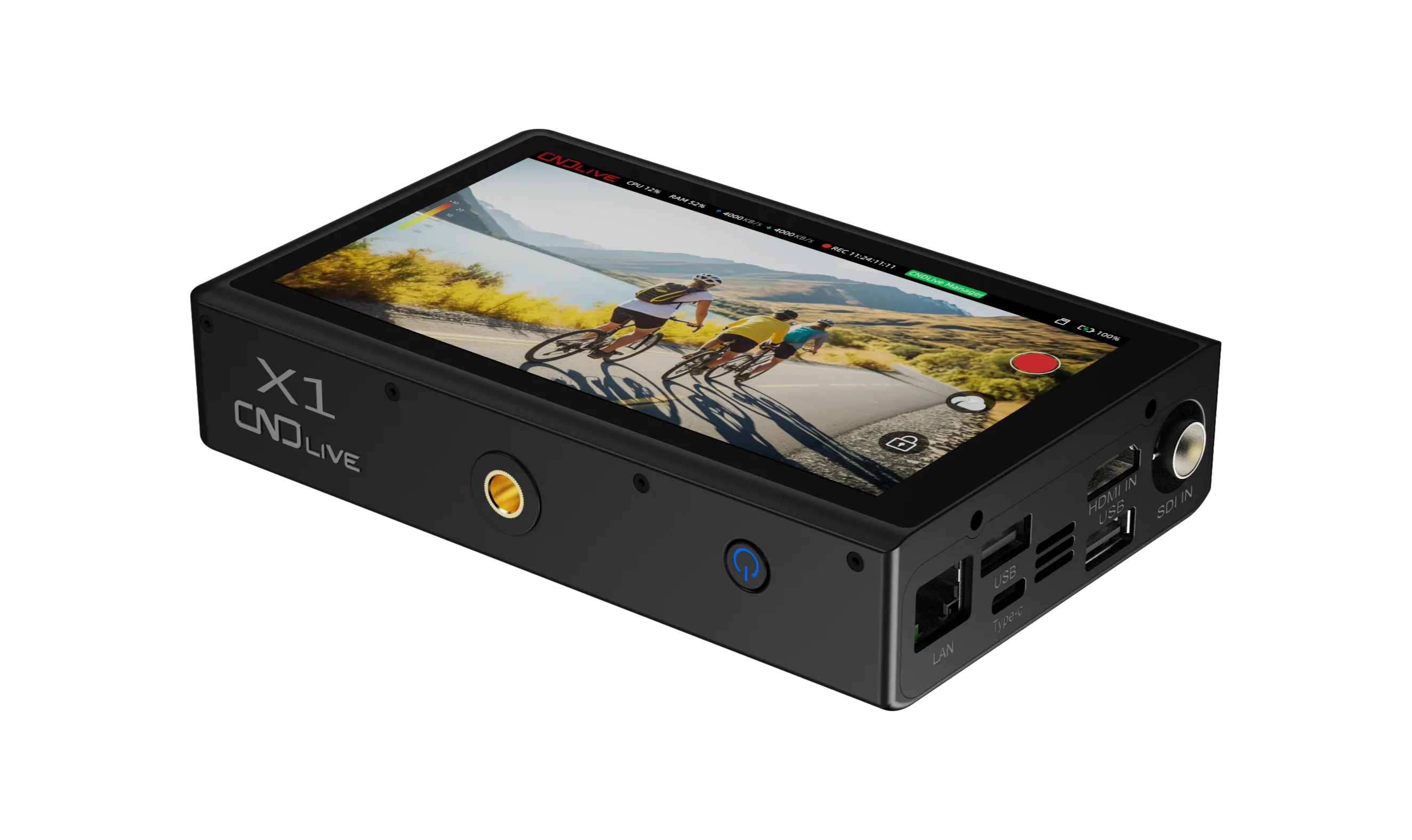
X1 SDI/HDMI 4G Bonding Encoder

X1 SDI/HDMI 4G Bonding Encoder

  • 4G Bonding
  • SDI/HDMI (Dual Input)
  • 4K H.265 (High-Quality Encoding)
  • 5.5" Touchscreen (Integrated Monitoring)

Firmware

+
X1_V1.01.0032
View Release Notes
+
1. Added shortcut settings on the LCD screen home interface. 2. Added a Wi-Fi connect/disconnect option for X1. 3. Added multiple display styles for OSD date and time. 4. Added a scheduled reboot task function. 5. Added a default image option for the "No Signal" status. 6. Optimized the LCD audio VU meter display; the channel count now strictly matches the source input. 7. Fixed an issue where modifying the frame rate under NDI|HX3 resulted in an incorrect bitrate. 8. Fixed incorrect SRT/UDP null packet padding values under NDI|HX3.
X1_V1.01.0027
View Release Notes
+
This update includes changes to the user configuration file. Please perform a factory reset after upgrading to complete initialization. 1.SDI Support for 8 Channels 2.New LCD Screen factory Reset Method (press and hold the logo on the LCD screen to trigger) 3.WiFi Connection Failure State 4.Updated the battery icon style on the log page. 5.Fixed an issue where signal status was incorrectly displayed after a reset. 6.Optimized memory management
X1_V1.01.0029
View Release Notes
+
we strongly recommend that you update the Manager to the latest version to ensure optimal protection and performance 1.Advanced Mode Added to the LCD Main Screen 2.Log Functionality in Advanced Mode 3.Support for Matrix Stream Start/Stop Control 4.Removal of SDI Interlaced Frame Rate Limitations 5.Optimization of Recording Module 6.Improvement of OSD (Overlay Screen Display) Functionality 7.Enhancement of Audio Bar Display 8.Modification of Bonding Link Colors Teaser for Next Version: SDI Support for 8 Channels New LCD Screen Reset Method WiFi Connection Failure State Addition of Quick Options on the LCD Main Screen
Brand Logo
Streaming The Moment