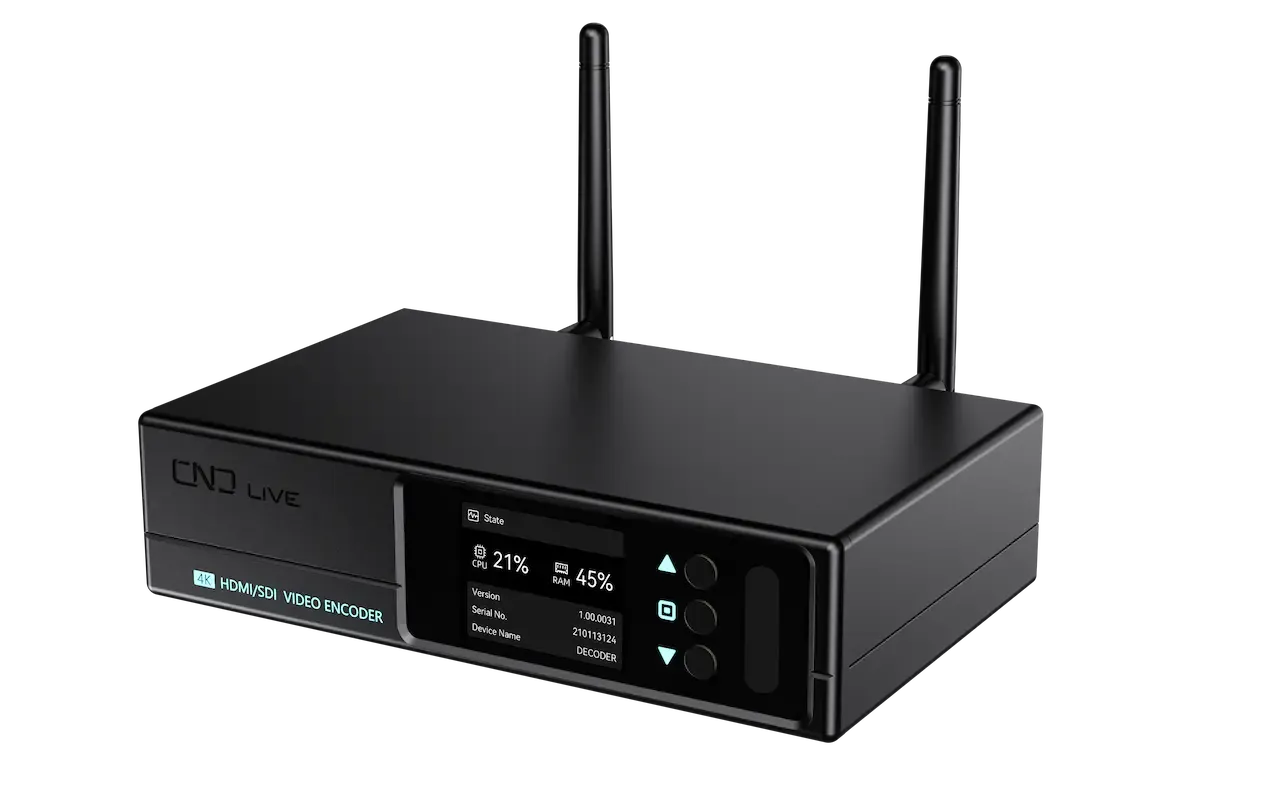
Encode Every Production Signal.
Bring HDMI and SDI sources, H.265 streaming, local recording and direct operation together in one compact professional encoder.
What’s NEW

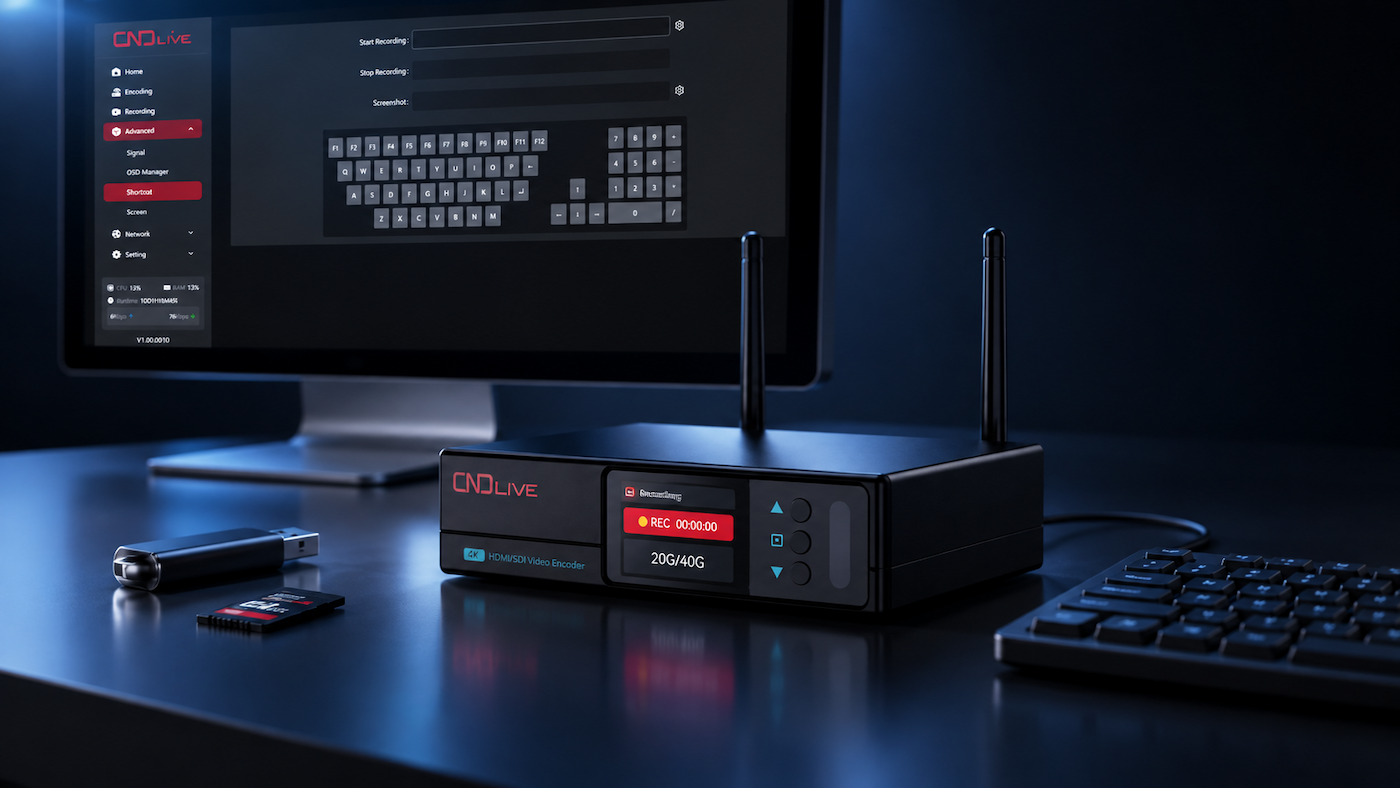
USB keypad
expand
Dual Inputs
4Kp30 HDMI and 3G-SDI


H.264 &
H.265
Local recording &
USB shortcuts


2’’LCDSCREEN
for preview and simple setting

Stream Anywhere
NDI HX3 · SRT · RTMP · HLS · RTSP
Mix HDMI
and SDI
sources into one stream

8 Destinations
Up to 8 configured destinations

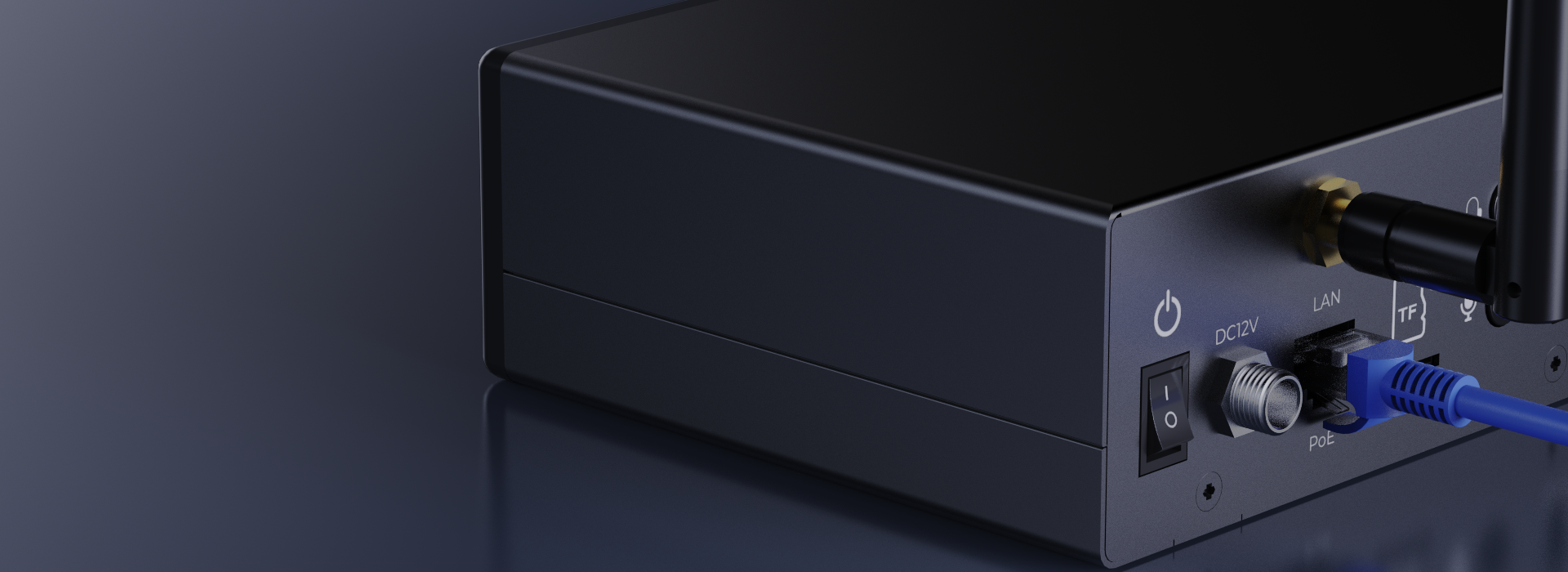
PoE
power + data, one cable


FLEXIBLE SOURCE INPUT
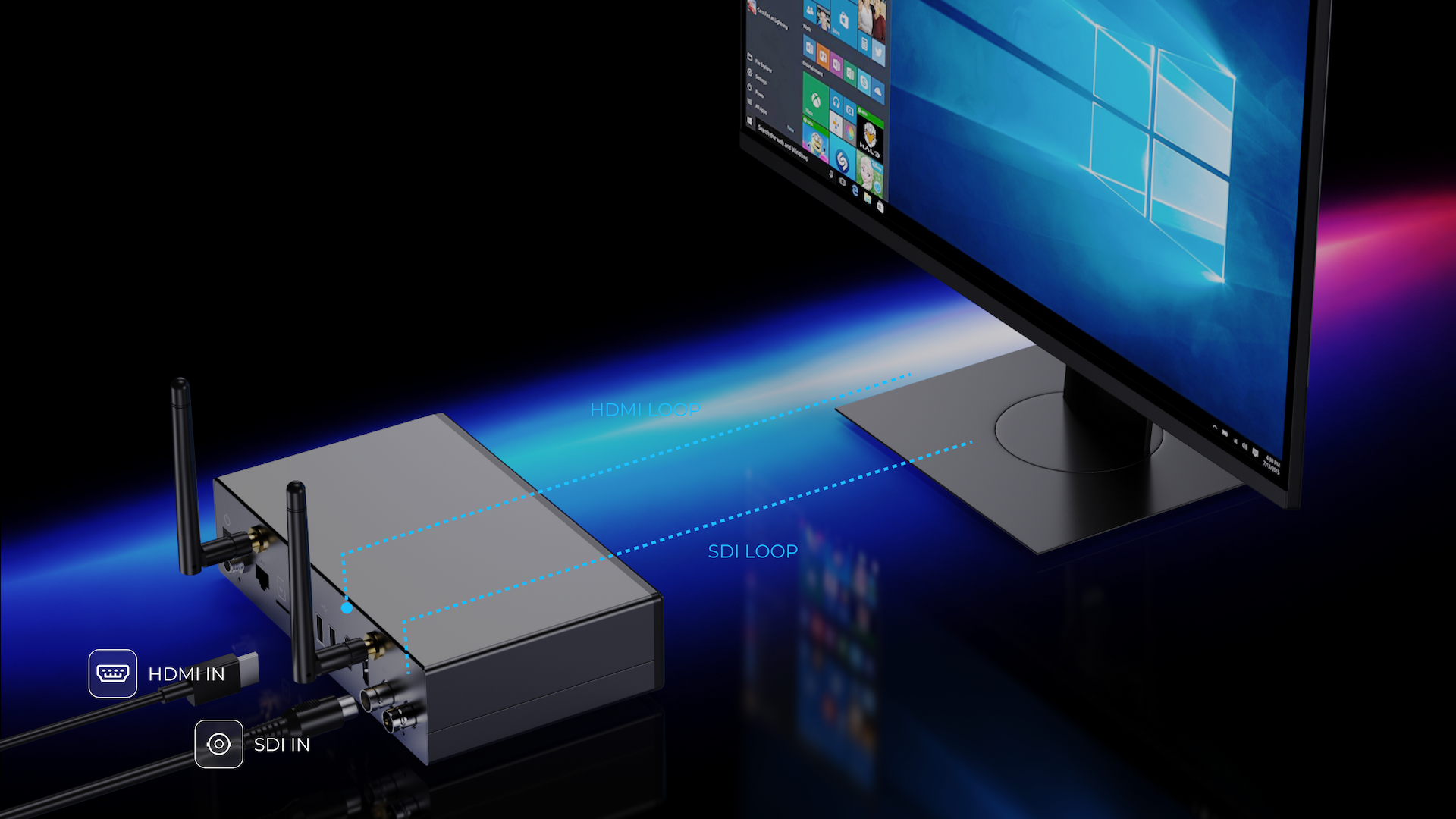
Choose HDMI or SDI. Keep a Local Loop.
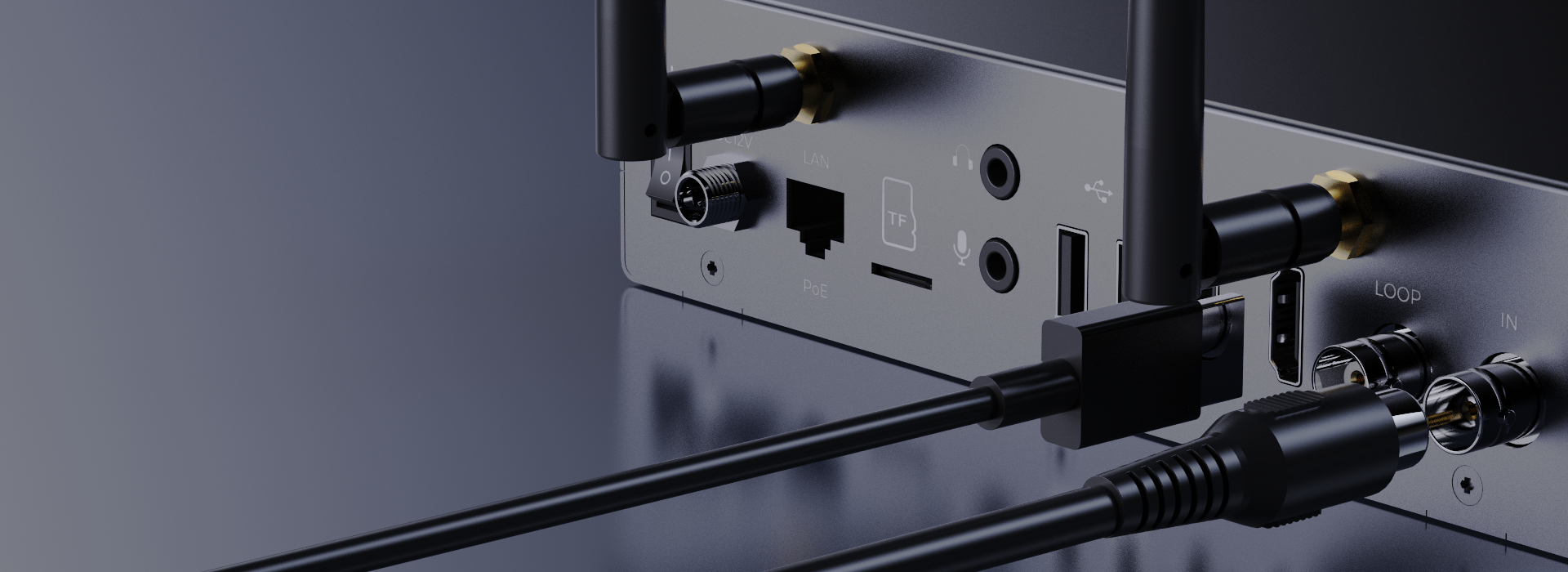
Connect a 4K HDMI source or a 3G-SDI source. Dedicated HDMI and SDI loop connections keep a local monitor in the signal path.
SOURCE COMPOSITION + VIDEO ENCODING
Shape the Picture. Choose the Codec.
Bring HDMI and SDI into a shared workflow, then choose the encoding format supported by your receiver.
HDMI + SDI
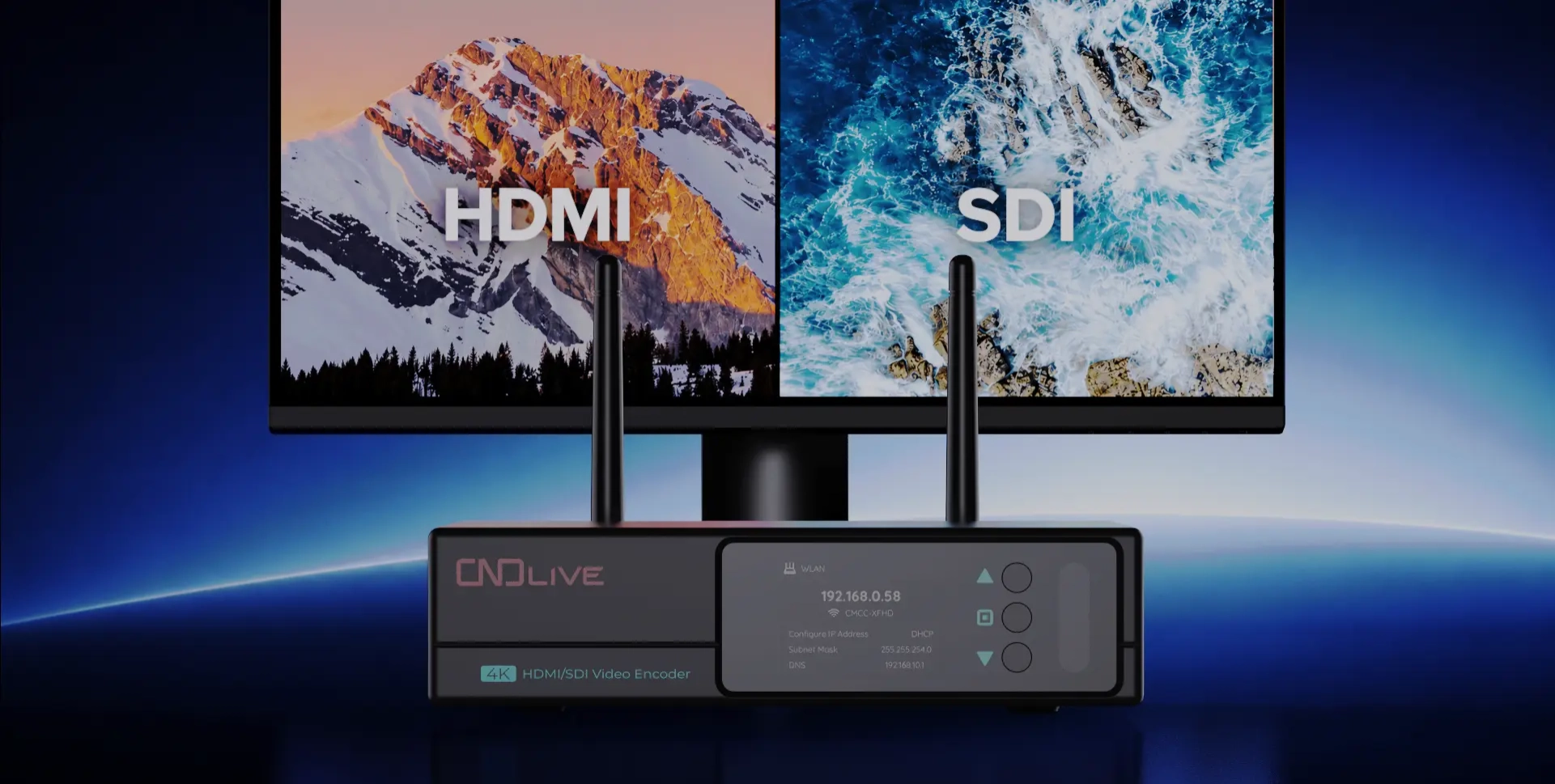
Two Sources. One Composition.
Select a source or mix HDMI and SDI into one stream. Bring a presentation and camera view into the same production picture.
H.265 / H.264
The Format Your Workflow Needs.
Choose H.265 (HEVC) or H.264 (AVC) encoding. Match the codec, resolution and bitrate to your receiving system and available network bandwidth.
SIMPLE IP WORKFLOW
From Source to Destination.
Bring camera or computer video into C6, encode it once, then deliver it across the network to live platforms, production systems or a decoder. Configure up to eight destinations using the protocols your receivers support.
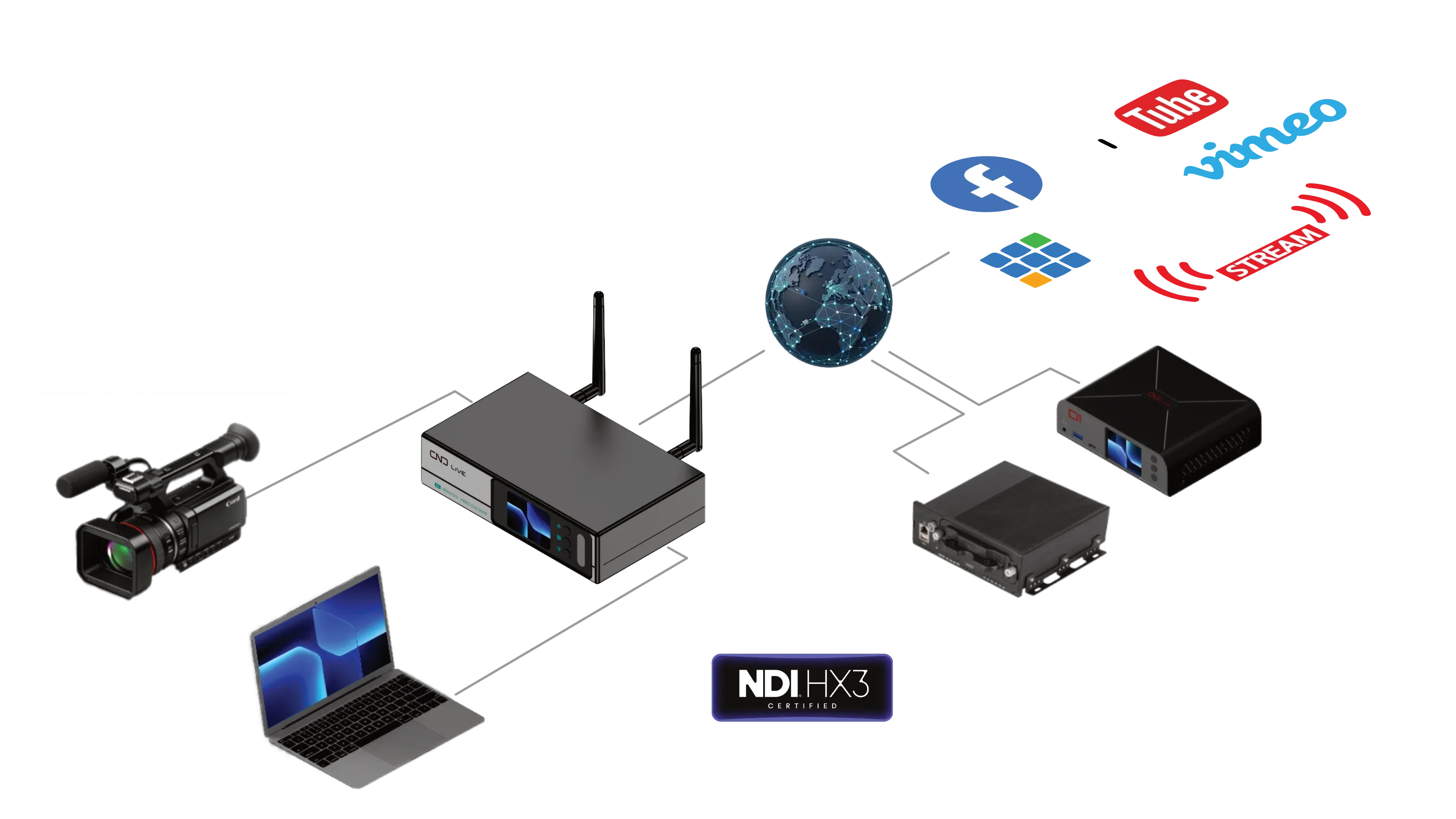
NDI HX3 certified. NDI HX2/HX3 supports one NDI stream; use the other transports for additional configured destinations.
VERIFIED CONNECTIVITY
Every Essential Connection. Clearly Organized.
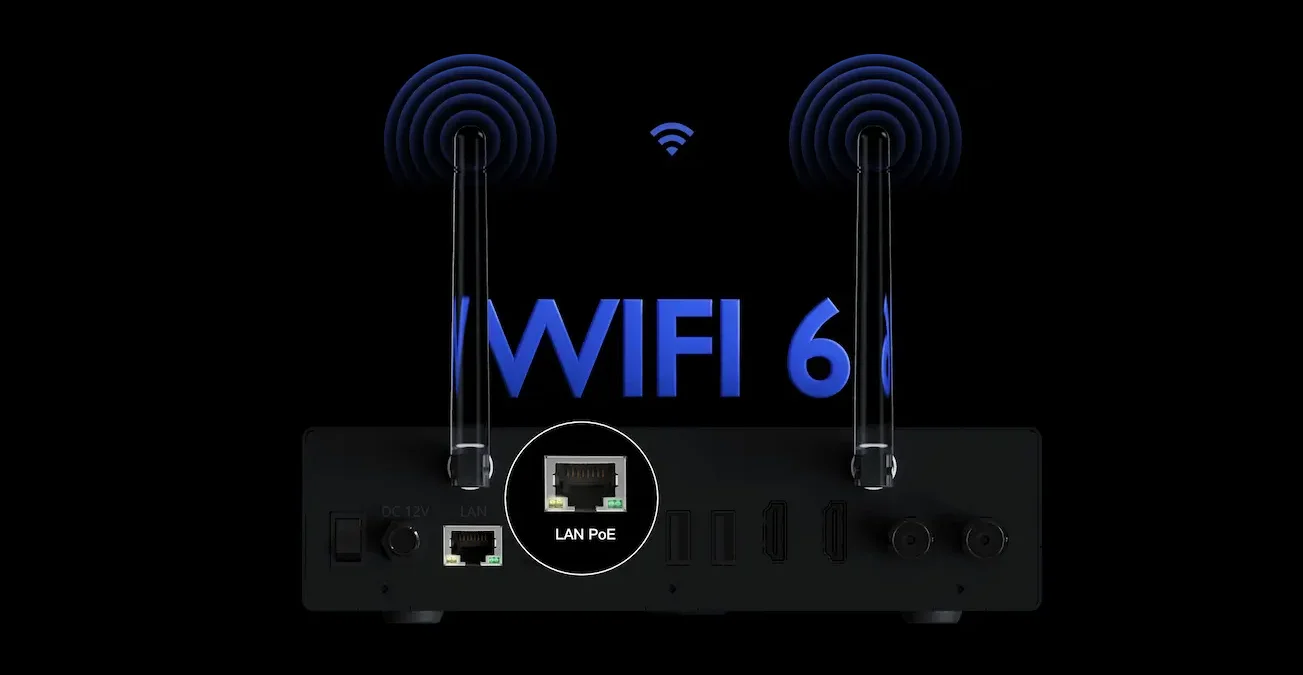
Power, network, storage, audio, HDMI and SDI are arranged in one rear panel. The interface image is presented in full so labels and connector order remain readable and undistorted.

WI-FI 6 + GIGABIT PoE
Choose How You Connect.
Wireless flexibility or a wired production setup. Connect C6 to the network that fits your location.
CENTRALIZED MANAGEMENT
One Control Point. Every C6.
Configure one encoder from its browser interface, or bring multiple C6 units into a CNDLive Manager workflow for centralized production control.
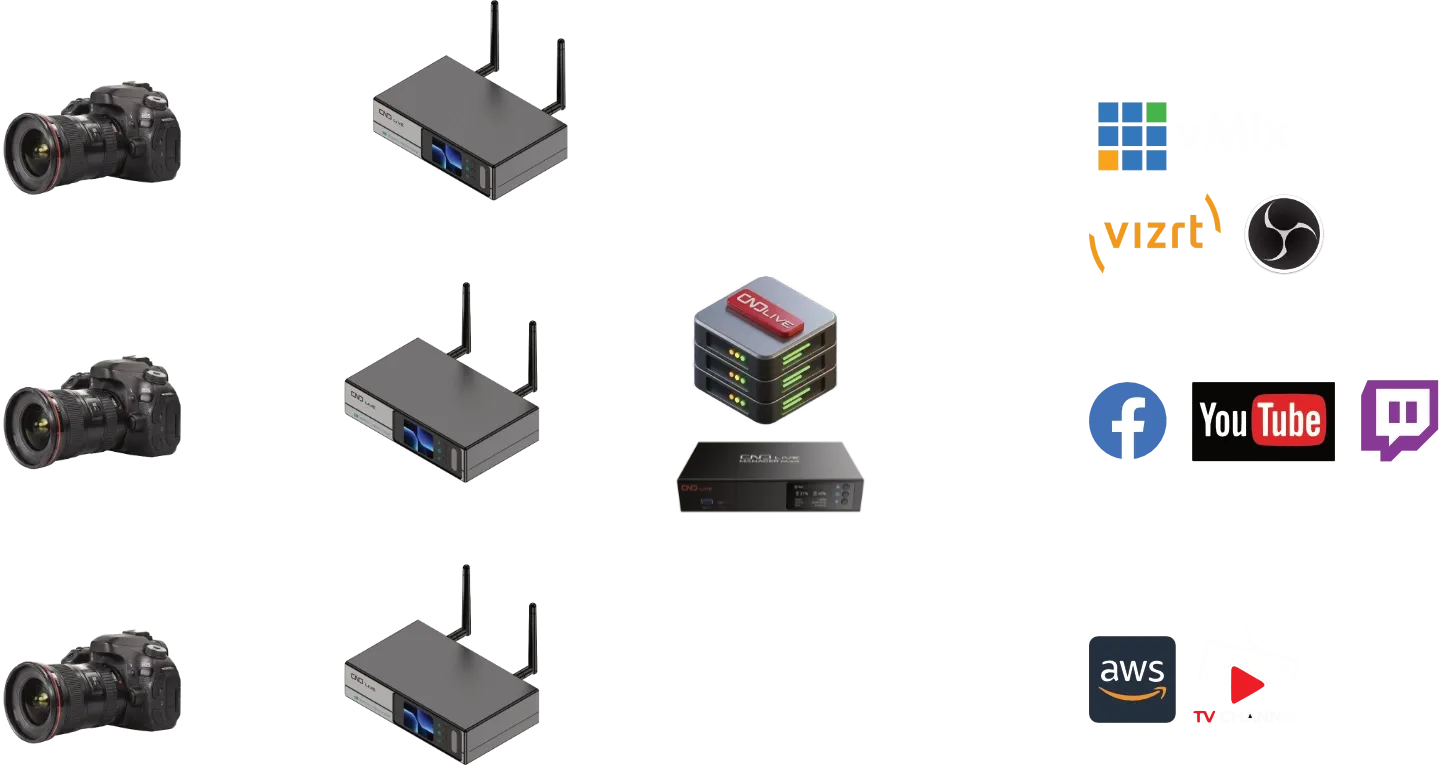 SOURCESC6 ENCODERSCENTRAL CONTROLDESTINATIONS
MULTI-DEVICE · CNDLIVE MANAGER
Your C6 Fleet. One Workspace.
Bring C6 encoders into CNDLive Manager to preview video, configure devices and coordinate day-to-day operation from one workspace.
- See your devices together
- Review connected encoders and their video previews from the device dashboard.
- Configure from one workspace
- Access device parameters and operational controls through Manager.
- Coordinate device maintenance
- Use supported batch firmware operations when maintaining multiple units.
Connect C6 and the Manager host through a reachable network.
Add the C6 devices to your Manager workspace.
Open device previews and access the controls you need.
SINGLE DEVICE · BUILT-IN WEB UI
Open a Browser. Take Control.
Enter your C6 IP address in a browser to configure encoding, streaming and recording directly on the device. A Manager server is not required.
- Set up encoding and delivery
- Configure encoding, network and streaming settings for the connected C6.
- Prepare local recording
- Set up the recording workflow for TF or external USB storage.
- Make routine actions quicker
- Assign supported keyboard shortcuts for recording control and snapshots.
Connect your computer and C6 to a reachable network.
Check the C6 IP address on its display and open it in your browser.
Sign in to the device Web UI and configure your workflow.
DIRECT ON-DEVICE OPERATION
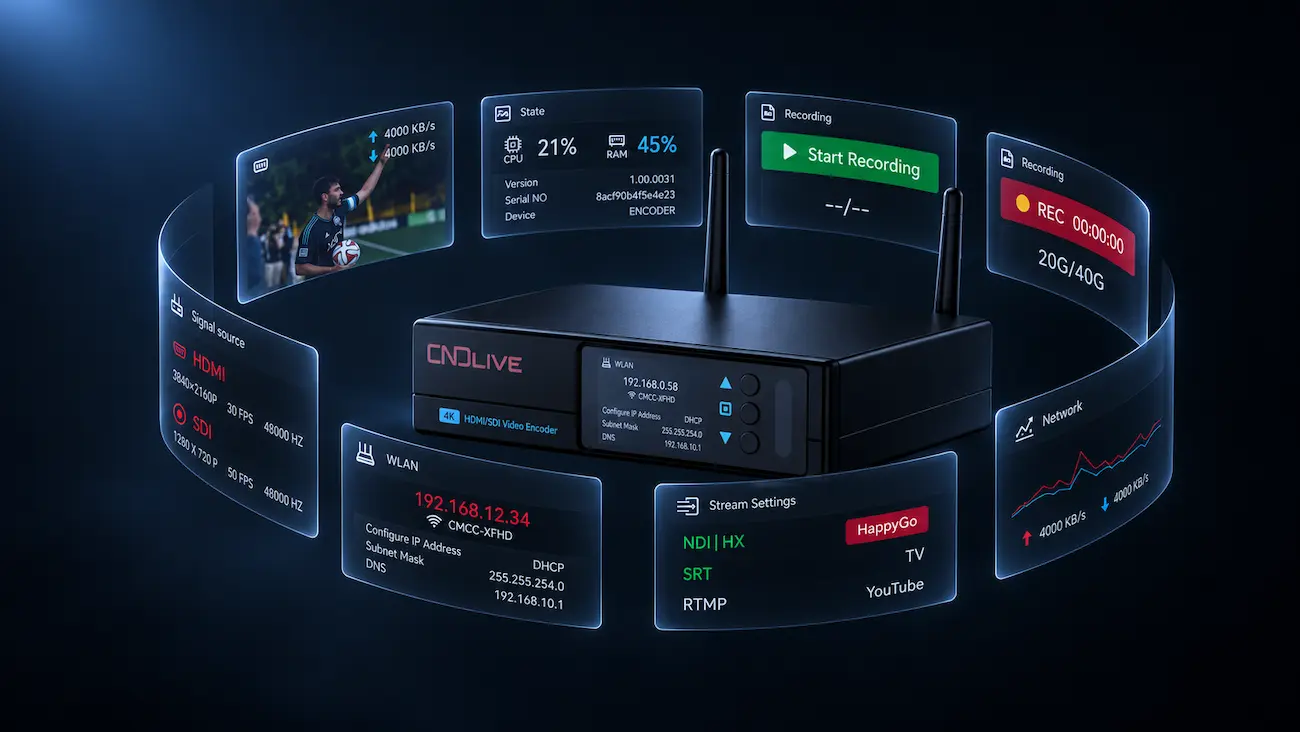
Status Where the Operator Needs It.
The 2-inch 320 x 240 LCD and physical Up, OK and Down controls keep essential information and common actions available at the device—without opening a browser for every check.
Use Up and Down to navigate the on-device menus, then OK to confirm. Check the IP address before opening the Web UI, or control streaming and recording directly at the encoder.
LOCAL RECORDING
Capture Without Breaking Production.
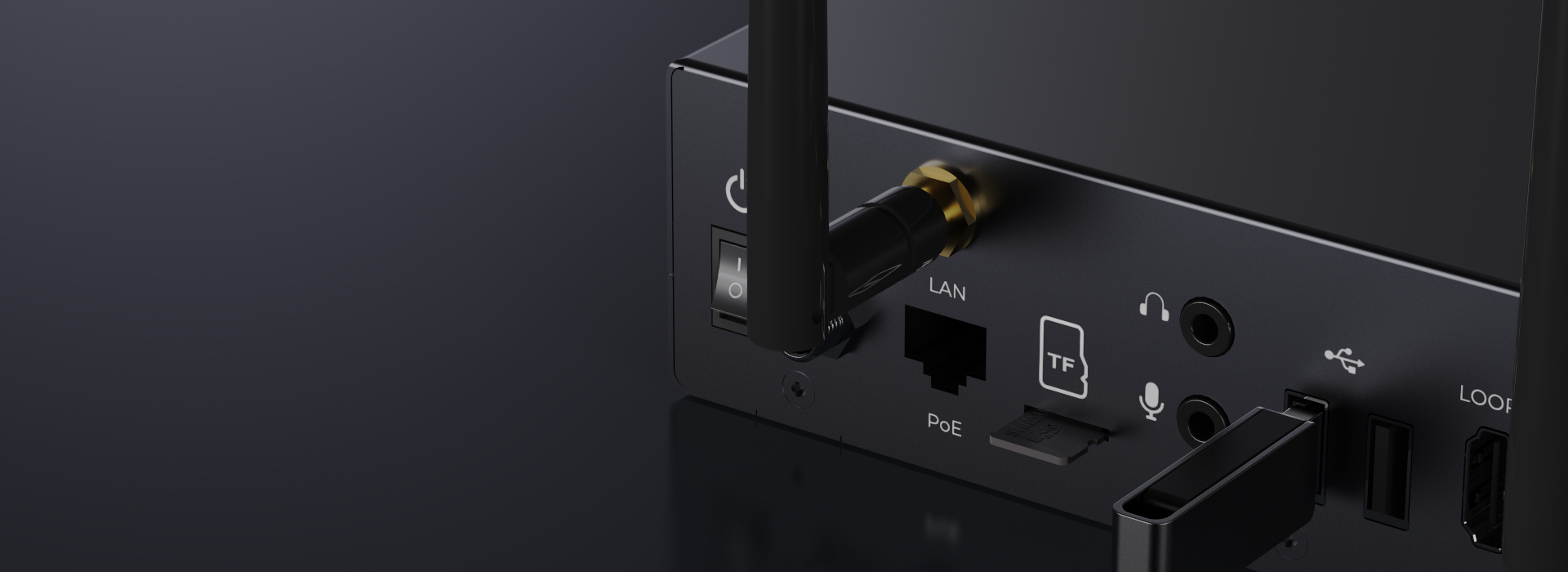
Record to Micro SD/TF or external USB in TS, MKV or MP4, keeping a local file alongside the live production workflow.
USB Shortcuts. Fewer Steps.
Connect a USB keyboard or keypad and assign recording controls in the Web UI. Start or stop recording and save snapshots with your configured keys.
BUILT FOR REAL PRODUCTIONS
One Encoder. Three Everyday Workflows.
Place C6 where a production signal needs to become a reliable network stream.
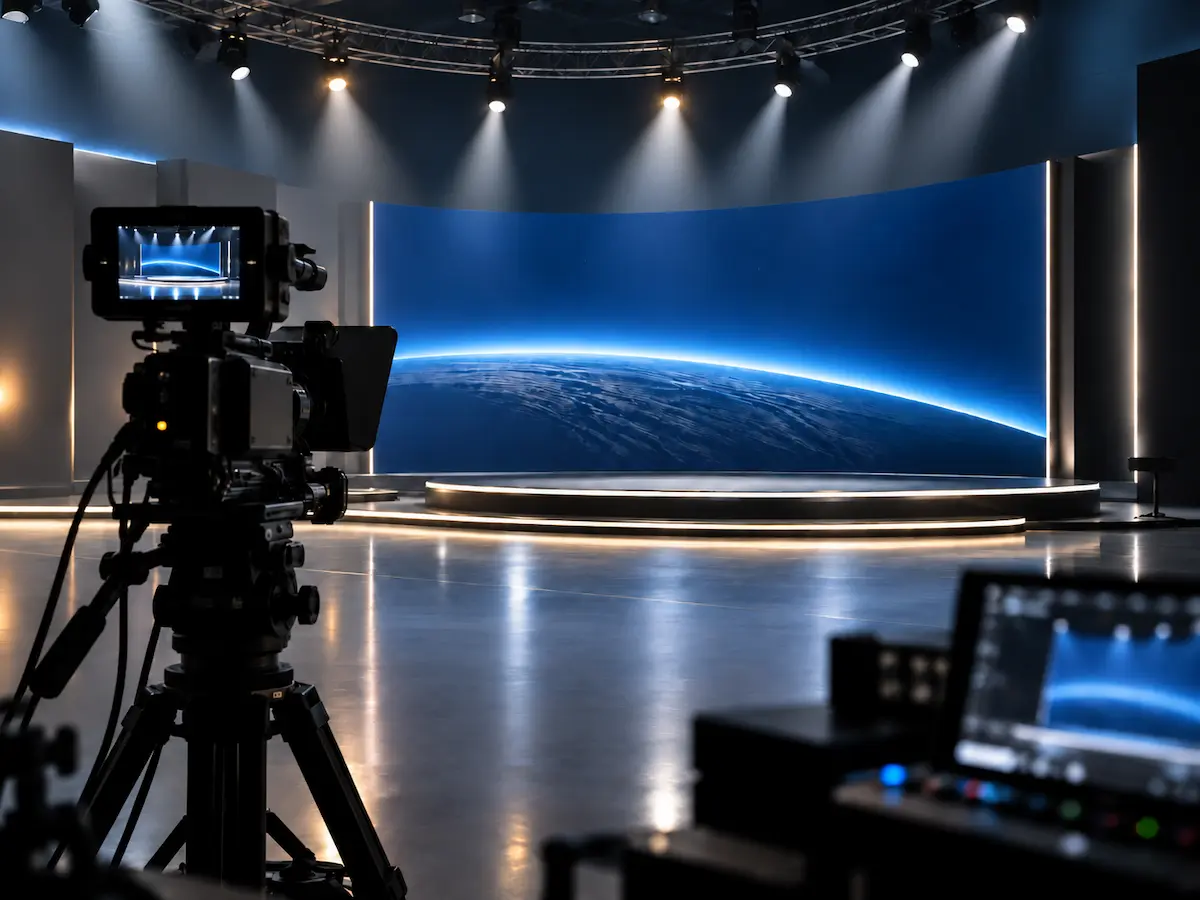
Broadcast Production
Bridge HDMI or SDI production sources into an IP delivery workflow.
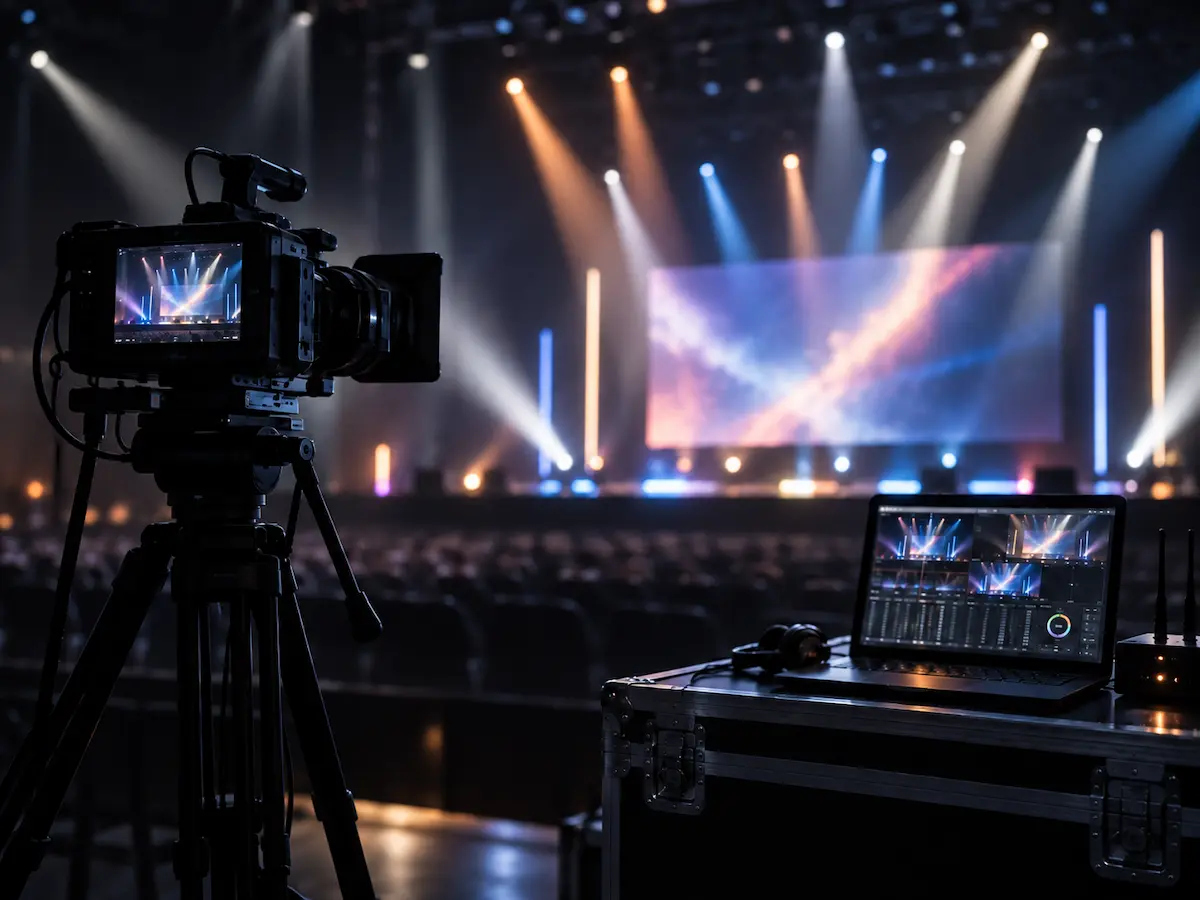
Live Events
Stream and record from compact event rigs where space and setup time matter.
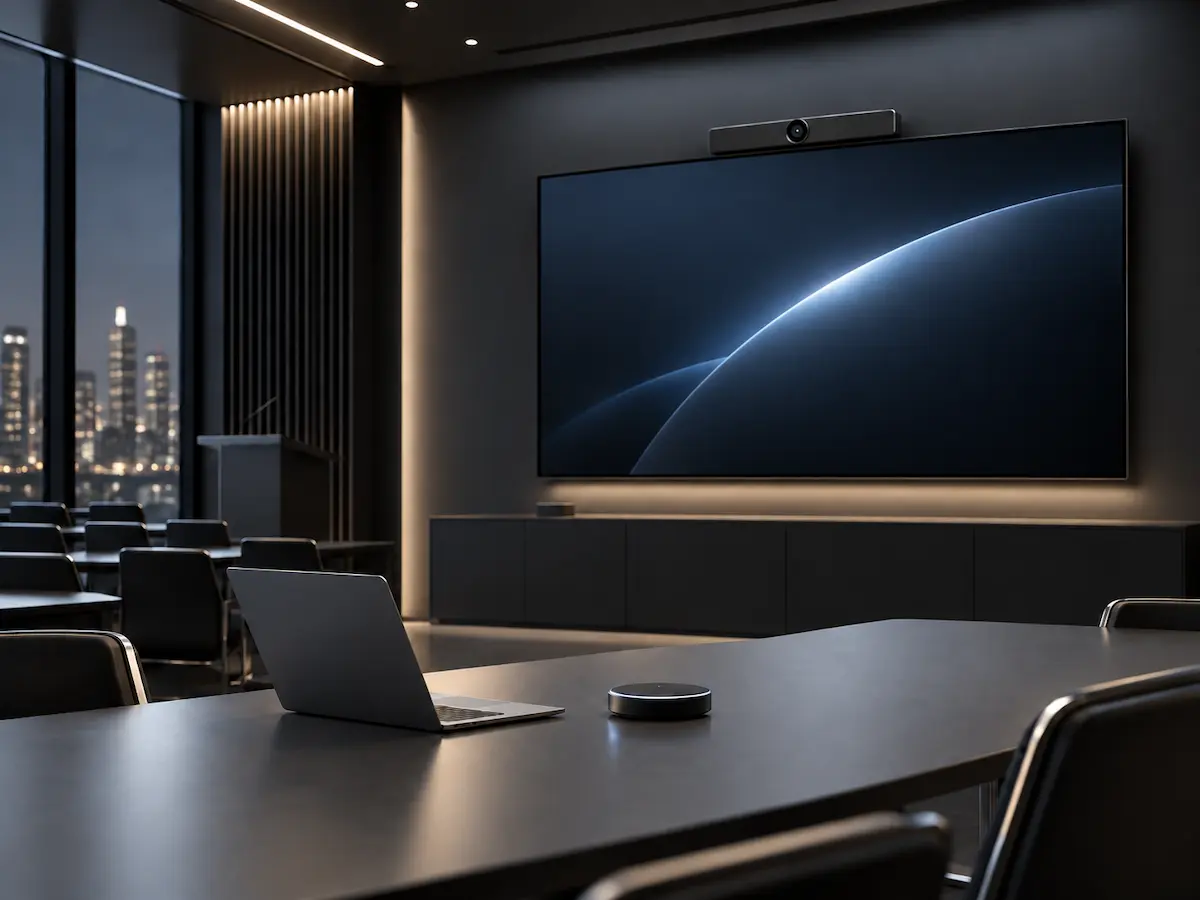
Education & Enterprise AV
Move presentation and program video across managed IP networks.
Build your next live workflow
Ready to Put Every Signal On Air?
Connect HDMI and SDI production sources, record locally and deliver the stream your platform needs. Talk with our team about the right C6 setup for broadcast, events, education or enterprise AV.
